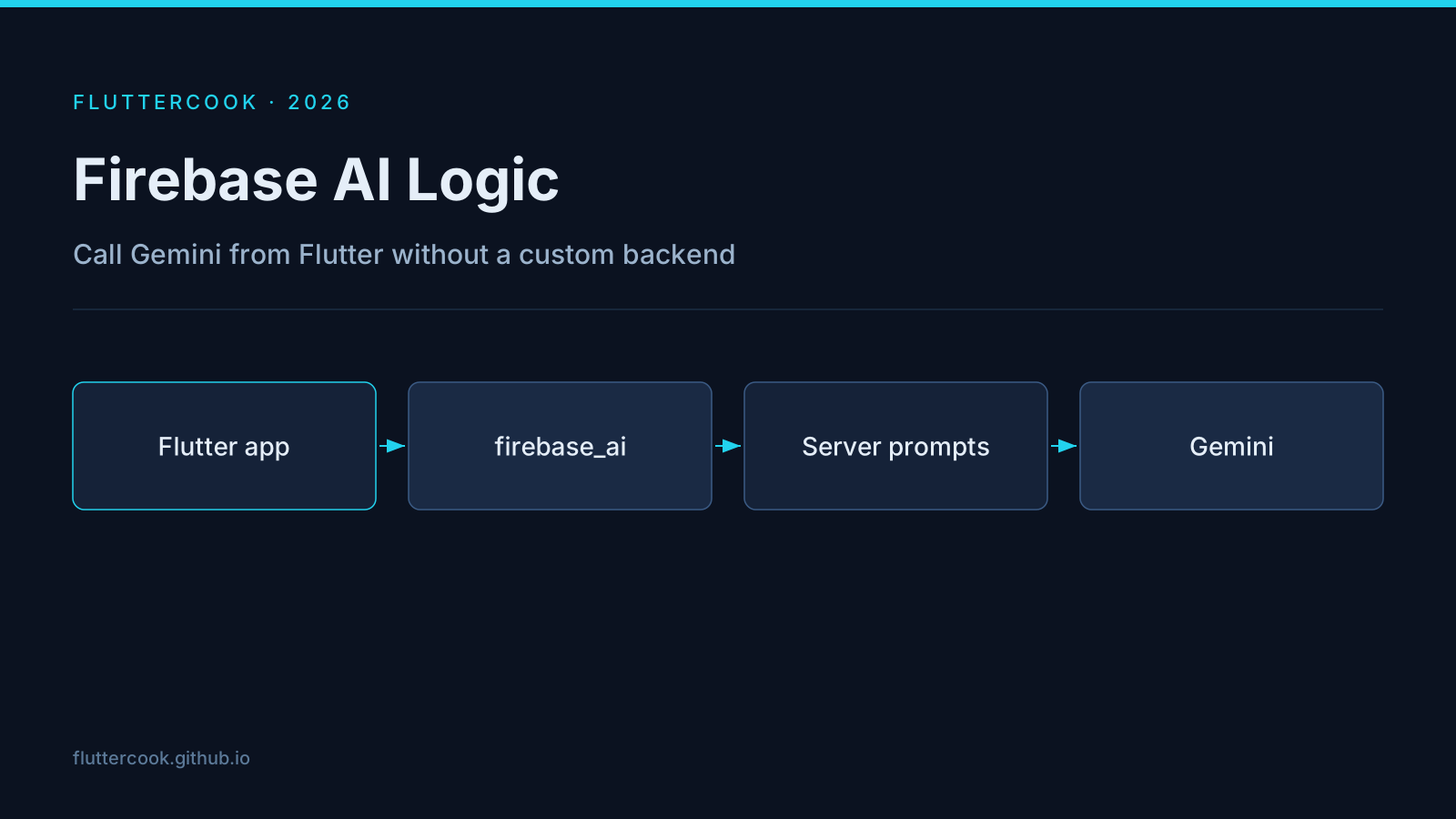
You do not always need a Node/Go proxy to call an LLM from a Flutter app. Firebase AI Logic (firebase_ai) gives you a typed client for Gemini with Firebase Auth, App Check, and quota controls already in the path.
Why teams pick it
- Client-side multimodal calls (photos → structured nutrition logs, for example) without standing up infra.
- Server Prompt Templates keep system prompts and tool definitions out of the binary.
- Works with the same Firebase project you already use for Crashlytics/Auth.
Minimal client shape
import 'package:firebase_ai/firebase_ai.dart';

final model = FirebaseAI.googleAI().generativeModel(model: 'gemini-2.5-flash');
final response = await model.generateContent([
  Content.text('Describe this UI screenshot for a bug report.'),
  Content.data('image/png', pngBytes),
]);
print(response.text);
(Exact API surface evolves — pin the package version and read the current docs.)
Security checklist
- App Check on.
- Auth required for expensive models.
- Server templates for prompts that encode business rules.
- Client never holds long-lived provider keys.
When to use Genkit instead
If flows, tools, and observability live server-side, prefer Genkit Dart. Firebase AI Logic shines when the product interaction is on-device and latency-sensitive.
Originally published on FlutterCook. Read the latest version there — that copy is the one kept up to date.
Nhận xét
Đăng nhận xét