Chuyển đến nội dung chính

Accessibility semantics checklist for Flutter forms

Accessibility is a launch requirement, not a backlog item. This article turns that observation into a small implementation model you can test, measure, and keep boring when the app grows.

The problem in one sentence

Labels, focus order, and contrast that pass audits. The useful question is not whether the API or pattern looks elegant in isolation. It is where state lives, which boundary owns failure, and how a user recovers when the happy path disappears.
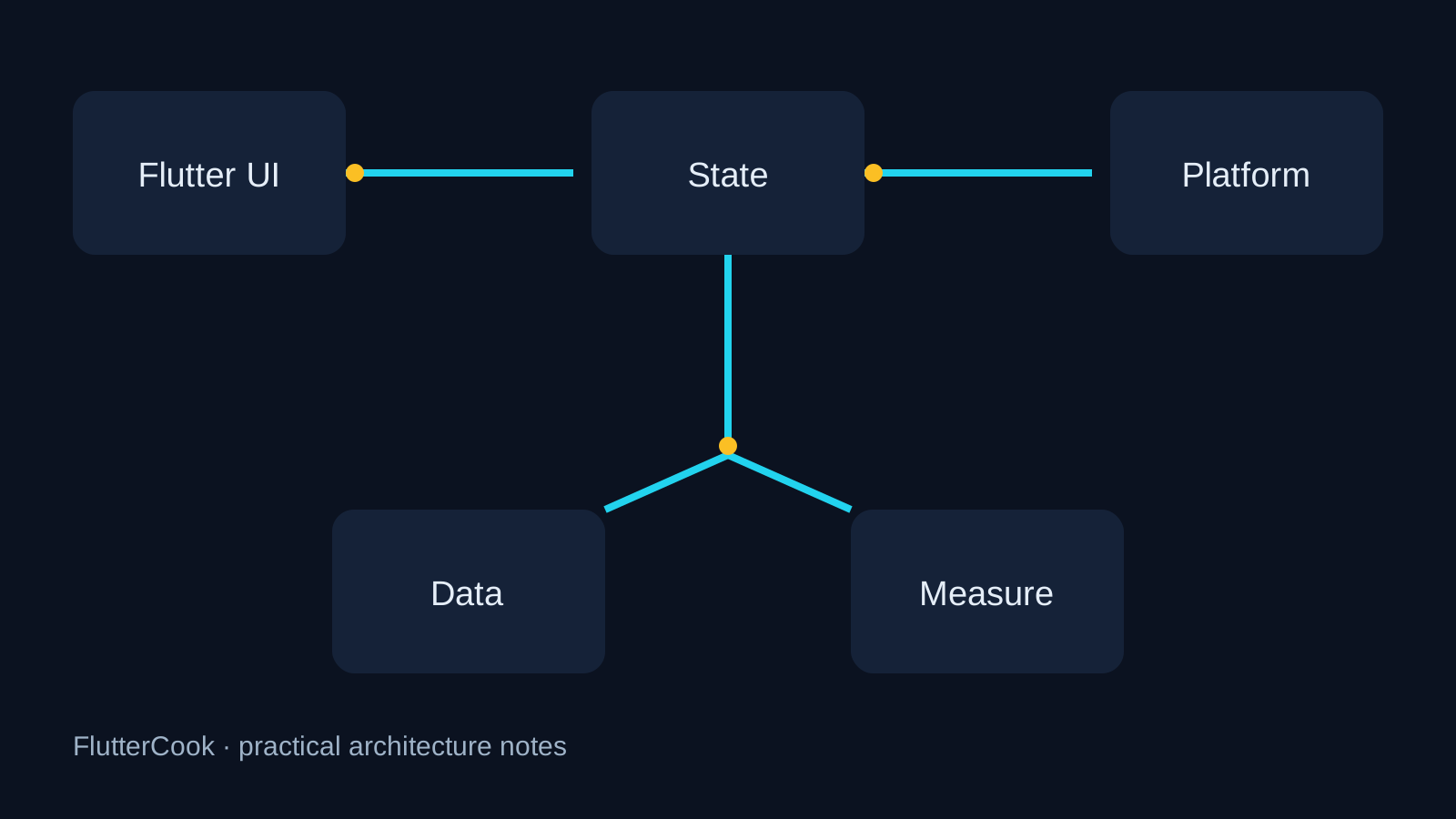
Flutter architecture diagram for Accessibility semantics checklist for Flutter forms

A practical model

Merge semantics for decorative icons; label every interactive control.

Start with one explicit owner for the behavior. Keep widgets responsible for rendering and user intent; keep IO, persistence, permissions, and retries behind a small interface. That gives you a seam for a fake in tests and a place to record the facts that matter in production.

For a Flutter app, the boundary usually looks like this:

  1. The widget emits an intent such as load, submit, refresh, or retry.
  2. A controller or use case validates the intent and calls the boundary.
  3. The boundary returns typed data or a typed failure, never a string meant only for logs.
  4. The UI renders loading, empty, success, and failure states explicitly.

This shape is deliberately modest. It works with setState, Bloc, Riverpod, or another state layer because the important decision is ownership, not the brand of package.

Minimal implementation

The smallest useful experiment is enough to expose the trade-off:

Semantics(label: 'Delete task', button: true, child: IconButton(...));

Put this behind a feature-sized interface and add one test for the success path and one for the failure path. If the example needs global state before it can run, the boundary is probably in the wrong place.

Production checklist

  • Define the lifecycle: who starts work, who cancels it, and what survives a restart?
  • Measure the user-visible result: frame time, bytes, latency, conversion, or recovery time.
  • Keep platform-specific code at the edge and document the minimum OS/SDK assumptions.
  • Add an empty state and an offline/error state before adding polish.
  • Log identifiers and timings, but redact tokens, personal data, and full payloads.
  • Prefer a reversible rollout: a flag, staged release, or server-side fallback.

Pitfalls worth paying for early

Ignoring text scale 2.0 will overflow production forms. A common failure mode is to make the demo path correct while leaving cancellation, retries, permissions, accessibility, and upgrade behavior implicit. Those are not edge cases once the app has real users. Test at least one slow device, one interrupted network request, and one process restart where this topic affects lifecycle or storage.

How to decide whether it worked

Write down the baseline before changing code. Compare the same user journey on the same device class, then inspect both the median and the worst visible failures. A smaller diff with a clear rollback is usually safer than a framework-wide rewrite. Keep the decision and its evidence near the code so the next upgrade does not restart the same argument.

For the neighboring ideas, read Shipping a 2D mini-game inside a Flutter product and Serverpod: one language from SQL to Flutter widgets.


Originally published on FlutterCook. Read the latest version there — that copy is the one kept up to date.

Nhận xét

Bài đăng phổ biến từ blog này

5 concepts every Flutter dev should know

  Phụ lục: State management architecture Testing IDE Shortcuts Platform channel Maintaining a project Tôi đã làm việc với Flagship trong một thời gian dài, và đây là những điều mà tôi phát hiện ra là điều cần phải có đối với bất kỳ nhà phát triển Flagship nào, về tổng thể nó sẽ khiến bạn trở thành một nhà phát triển Flagship giỏi trong thời gian dài. 1. State management architecture Đây là một trong những chủ đề quan trọng nhất trong cộng đồng thiết bị rung, nó khá quan trọng nếu bạn muốn duy trì một dự án rung kích thước trung bình hoặc lớn. Nó sẽ giúp tạo một dự án suôn sẻ và thêm các tính năng mới một cách hoàn hảo.  2. Testing Đây là một chủ đề duy nhất mà tôi không hiểu tại sao nó lại quan trọng trước đó trong sự nghiệp của tôi, nhưng khi tôi tiến lên trong sự nghiệp của mình và có kinh nghiệm với nhiều dự án và vấn đề xảy ra trong môi trường sản xuất. Tôi đã nhận ra một cách khó khăn, tại sao điều này lại quan trọng như vậy. Nếu bạn vẫn muốn có thêm lý do để cân nhắc thử...

Thiết kế giao diện với DotNetBar (Phần 1)

Đây là phiên bản DotNetBar hỗ trợ C# và Visual Basic https://www.dropbox.com/s/wx80jpvgnlrmtux/DotNetBar.rar  , phiên bản này hỗ trợ giao diện Metro cực kỳ “dễ thương” Các bạn load về và cài đặt, khi cài đặt xong sẽ có source code mẫu của tất cả các control. Để sử dụng được các control của DotNetBar các bạn nhớ add item vào controls box. Thiết kế giao diện với DotNetBar, giao diện sẽ rất đẹp. Link các video hướng dẫn chi tiết cách sử dụng và coding: http://www.devcomponents.com/dotnetbar/movies.aspx Hiện tại DotNetBar có rất nhiều công cụ cực mạnh, trong đó có 3 công cụ dưới đây: DotNetBar for Windows Forms Requires with Visual Studio 2003, 2005, 2008, 2010 or 2012.   DotNetBar for WPF Requires with Visual Studio 2010 or 2012 and Windows Presentation Foundation.   DotNetBar for Silverlight Requires with Visual Studio 2010 or 2012 and Silverlight. Dưới đây là một số hình ảnh về các control trong DotnetBar.   Metro User Interface  controls with Metro Tiles, toolba...

2026 👏 Google miễn phí một năm gói AI Plus cho sinh viên Việt Nam 🇻🇳🇻🇳🇻🇳

Chúc mừng anh em 👏 Google miễn phí một năm gói AI Plus cho sinh viên Việt Nam 🇻🇳🇻🇳🇻🇳 Đối tượng là sinh viên đại học từ 18–24 tuổi (bao gồm sinh viên mới và sinh viên từng dùng gói AI Pro 2025). Lưu ý là cần xác minh tư cách sinh viên hàng năm. Khi nhận gói, anh em có được các ưu đãi sau: 🔖 Nâng cấp bộ nhớ đám mây lên 400GB. 🔖 Nhân đôi hạn mức truy cập mô hình AI. 🔖 Mở quyền trải nghiệm tính năng tạo video bằng Gemini Omni. Lưu ý chương trình chỉ dành cho sinh viên đủ điều kiện. Hạn nhận ưu đãi: 31 tháng 12, 2026. Các bạn cần có phương thức thanh toán hợp lệ khi đăng ký. Google AI Plus sẽ tự động tính phí 132.000 ₫/tháng sau khi thời gian dùng thử kết thúc, trừ phi bạn đã huỷ trước đó. Huỷ bất cứ lúc nào. CÁC BƯỚC THỰC HIỆN CHI TIẾT 🔹Bước 1: Truy cập cổng đăng ký chương trình 🔖 Mở trình duyệt và truy cập vào trang chính thức: gemini.google/students/ 🔖 Đăng nhập vào Tài khoản Google cá nhân của bạn. 🔖 Nhấn vào nút "Claim your student plan at no cost" (hoặc Nhận gó...