Phone-only layouts look broken on foldables, tablets, and Chromebooks. This article turns that observation into a small implementation model you can test, measure, and keep boring when the app grows.
The problem in one sentence
Two-pane layouts, hinge awareness, and Material adaptive components. The useful question is not whether the API or pattern looks elegant in isolation. It is where state lives, which boundary owns failure, and how a user recovers when the happy path disappears.
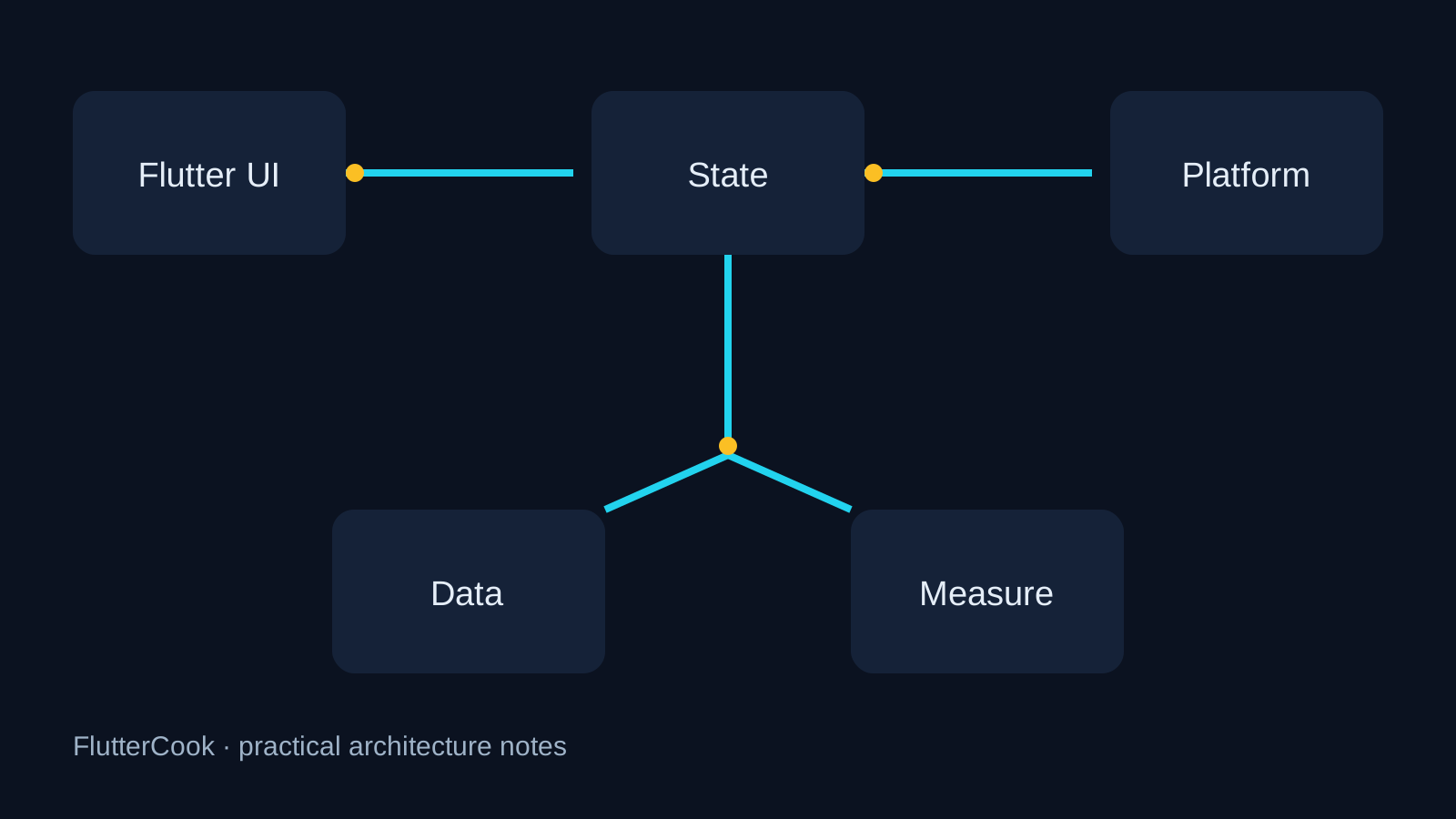
A practical model
Flutter’s adaptive docs and M3 adaptive widgets give a path without forking UIs.
Start with one explicit owner for the behavior. Keep widgets responsible for rendering and user intent; keep IO, persistence, permissions, and retries behind a small interface. That gives you a seam for a fake in tests and a place to record the facts that matter in production.
For a Flutter app, the boundary usually looks like this:
- The widget emits an intent such as load, submit, refresh, or retry.
- A controller or use case validates the intent and calls the boundary.
- The boundary returns typed data or a typed failure, never a string meant only for logs.
- The UI renders loading, empty, success, and failure states explicitly.
This shape is deliberately modest. It works with setState, Bloc, Riverpod, or another state layer because the important decision is ownership, not the brand of package.
Minimal implementation
The smallest useful experiment is enough to expose the trade-off:
Breakpoints + NavigationRail / NavigationDrawer by width classPut this behind a feature-sized interface and add one test for the success path and one for the failure path. If the example needs global state before it can run, the boundary is probably in the wrong place.
Production checklist
- Define the lifecycle: who starts work, who cancels it, and what survives a restart?
- Measure the user-visible result: frame time, bytes, latency, conversion, or recovery time.
- Keep platform-specific code at the edge and document the minimum OS/SDK assumptions.
- Add an empty state and an offline/error state before adding polish.
- Log identifiers and timings, but redact tokens, personal data, and full payloads.
- Prefer a reversible rollout: a flag, staged release, or server-side fallback.
Pitfalls worth paying for early
Do not scale a phone UI up — change information architecture on large screens. A common failure mode is to make the demo path correct while leaving cancellation, retries, permissions, accessibility, and upgrade behavior implicit. Those are not edge cases once the app has real users. Test at least one slow device, one interrupted network request, and one process restart where this topic affects lifecycle or storage.
How to decide whether it worked
Write down the baseline before changing code. Compare the same user journey on the same device class, then inspect both the median and the worst visible failures. A smaller diff with a clear rollback is usually safer than a framework-wide rewrite. Keep the decision and its evidence near the code so the next upgrade does not restart the same argument.
For the neighboring ideas, read Cold start budgets for Flutter apps and Image caching and decode budgets in Flutter lists.
Originally published on FlutterCook. Read the latest version there — that copy is the one kept up to date.
Nhận xét
Đăng nhận xét